Install the Reach Tool
2 min guide01
Install
Install from the Chrome Web Store
- 1
Open Google Chrome.
- 2
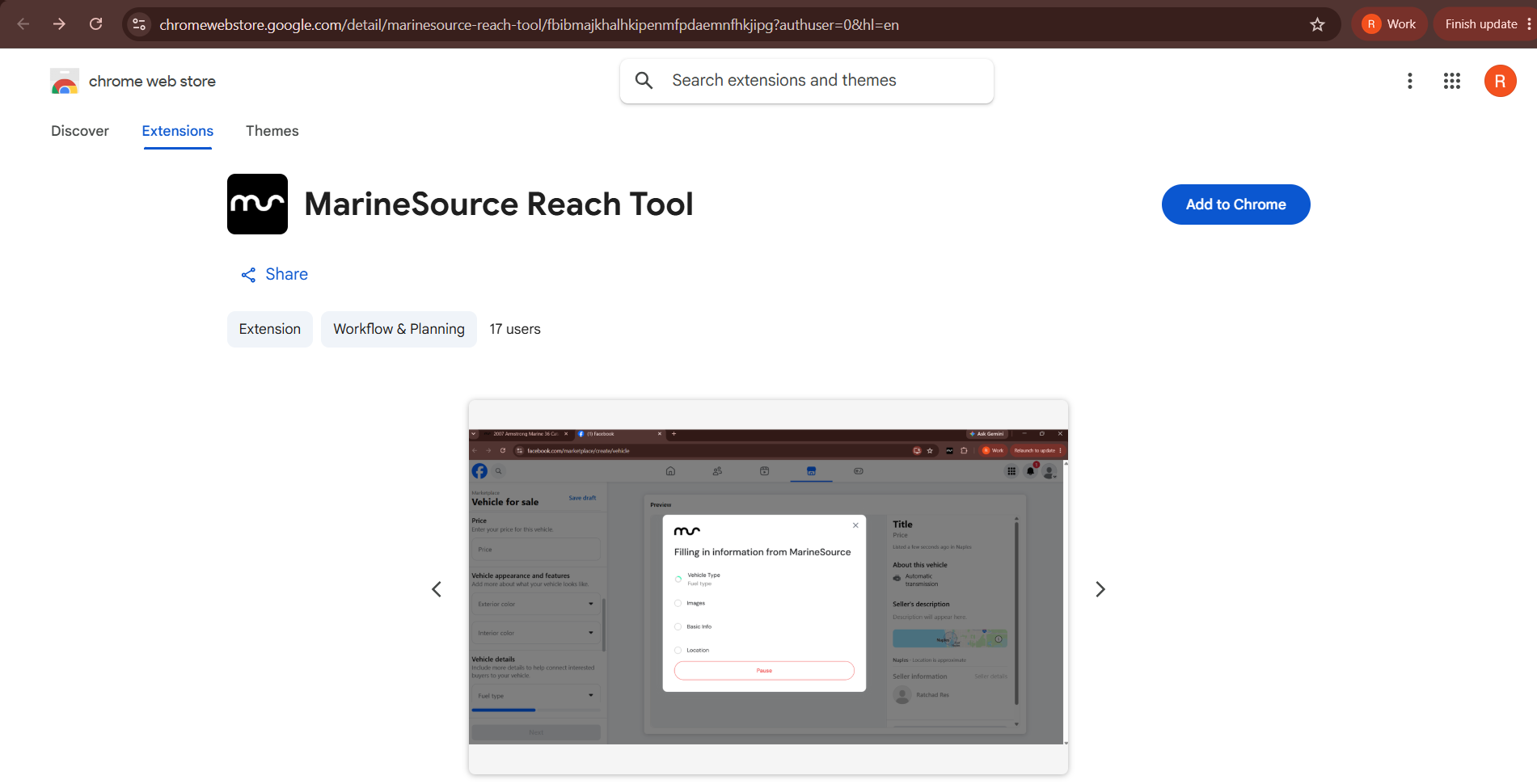
Go to the Reach Tool page in the Chrome Web Store. Or click this box.
- 3
Click the blue “Add to Chrome” button on the right-hand side.
- 4
A permission box appears. Click “Add extension”.
- 5
That is it. Chrome shows an “Added to Chrome” confirmation and the Reach Tool appears in your extensions.
02
Keep it handy
Pin it for easy access (optional)
- 1
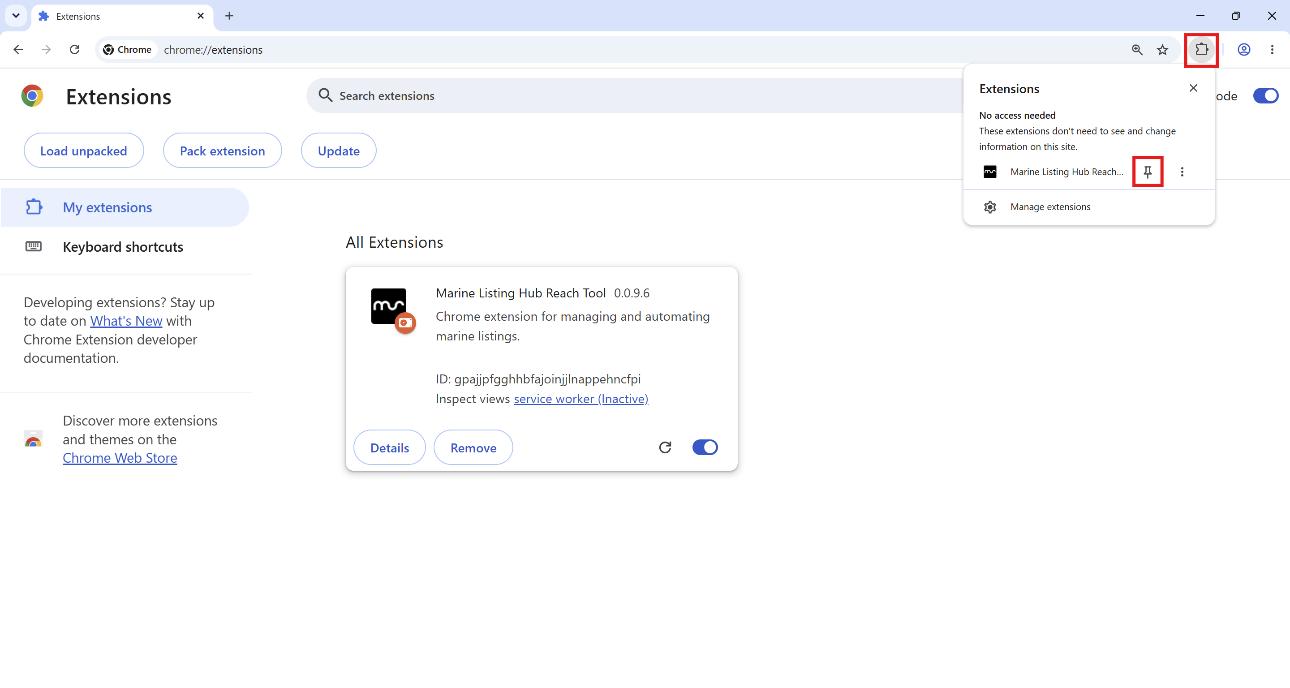
Click the puzzle-piece icon to the right of your address bar.
- 2
Find “MarineSource Listing Hub Reach Tool” in the list.
- 3
Click the pushpin next to it so it turns blue.
- 4
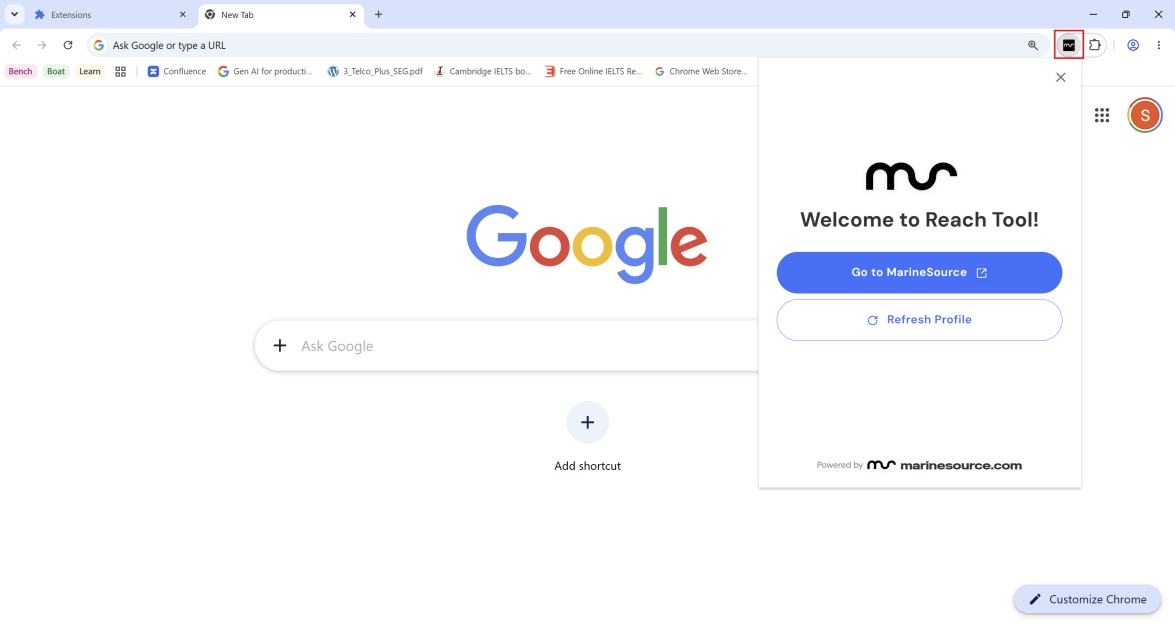
The icon now stays visible in your toolbar.